
CALL US
1 (868) 609-2288
contact@bluechiptt.com
ADDRESS
39 Pelican Drive, Philippine, San Fernando, Trinidad and Tobago
CALL US
1 (868) 609-2288
contact@bluechiptt.com
ADDRESS
39 Pelican Drive, Philippine, San Fernando, Trinidad and Tobago
In just one click, Premiere identifies and tracks subject-matter in your footage, with the option to refine further yourself. The latest beta also features more efficiency gains like improved shape
Read Full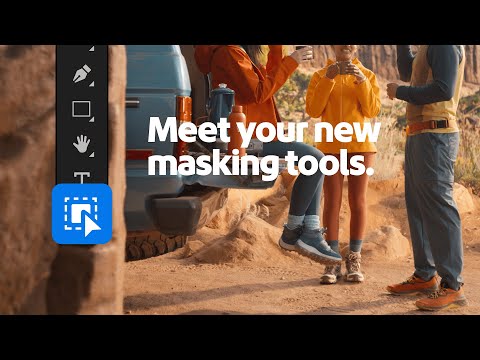
Masking just got a serious upgrade in Premiere (beta). From our new Object Mask tool to our improved shape masks and refinements, tracking and adjusting content in your videos has
Read Full
In this video, you’ll learn to use an AI assistant to streamline large-scale event planning. You’ll see how to prompt an AI to brainstorm off-site ideas, create fair groups for
Read Full
In this video, you’ll learn to create an animated bar chart race using Gemini Canvas. You’ll see how to write a prompt to visualize data over time and then use
Read Full
Now’s the time for cozy designs and pumpkin spice palettes! 🎃 🍂 Follow along as @lucyedendesign creates a charming logo and explores the latest #AdobeIllustrator release. What update are you
Read Full
A dedicated space for YouTube content is on the way! You’ll be able to assemble, refine, and publish standout videos with precise controls, subtitles, assets, and more. Follow for more.
Read Full
Heads up, YouTube creators. 👋 Premiere for iPhone is getting a new space just for you. Soon you’ll be able to build, polish, and publish Shorts to your channel right
Read Full
In this video, you’ll learn to create complex animated art using Gemini Canvas. You’ll see how to write a descriptive prompt to generate a kinetic typography animation with distortion effects,
Read Full
In this video, you’ll learn to build a reusable, custom “”Study Guide Gem.”” You’ll see how to write the core instructions for your Gem once, and then use it again
Read Full
In this video, you’ll learn to turn your study guides into interactive quizzes using Gemini Canvas. You’ll see how to upload your notes and use a simple prompt to generate
Read Full
© Copyright 2001 - 2025 Blue Chip Technologies Ltd. All rights reserved.