
CALL US
1 (868) 609-2288
contact@bluechiptt.com
ADDRESS
39 Pelican Drive, Philippine, San Fernando, Trinidad and Tobago
CALL US
1 (868) 609-2288
contact@bluechiptt.com
ADDRESS
39 Pelican Drive, Philippine, San Fernando, Trinidad and Tobago
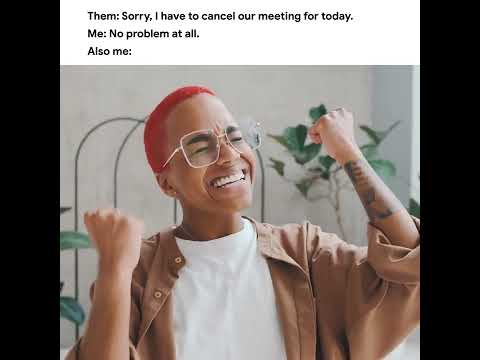
Try Google Meet for yourself → https://goo.gle/3TOI5Py
Read Full
Try Google Sheets for yourself → https://goo.gle/4aCCAcJ
Read Full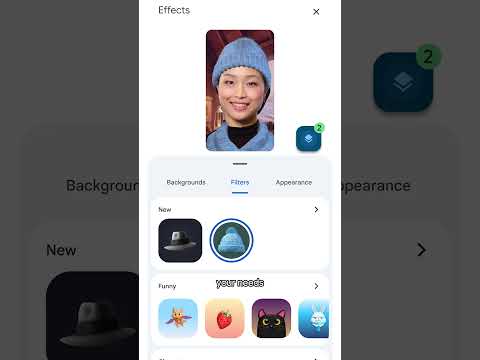

What is Google Workspace → https://goo.gle/3tEX185
Read Full
Chat history keeps a record of all messages sent and received in Google Chat. As a Chat admin, you can turn this feature on or off in the Google admin
Read Full
Google Chat not only allows your users to communicate with one another, it can also be used to chat with any Google Chat user. This feature can be turned on
Read Full
Spaces is useful for facilitating communication between users based on specific topics. Spaces are usually for internal users only, but can be changed to allow external users as well. This
Read Full
Chat allows your users to share images or files with one another within your organization. You can change these settings, or apply specific settings to certain users in the Google
Read Full
Many companies use archiving solutions to record and store company data. With Google Chat, you can allow these third-party applications to store Chat data. This feature can be configured in
Read Full
There are many apps available for Google Chat. As an administrator, you can change whether or not your users are allowed to install Chat apps. This setting can be configured
Read Full
© Copyright 2001 - 2025 Blue Chip Technologies Ltd. All rights reserved.